 Anatomy of a Generative UI Session
Welcome.
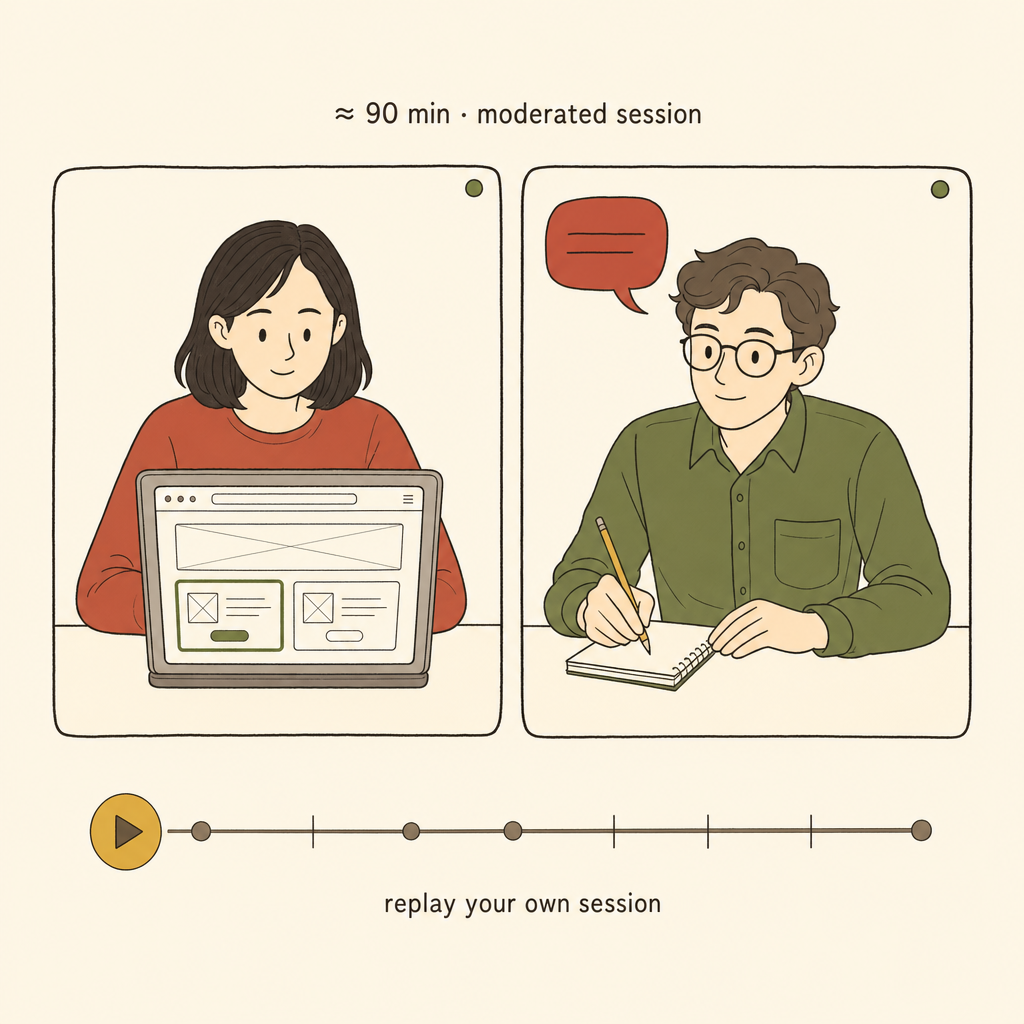
Thanks for taking part in the moderated session. This page walks you through the first half of the session: the consent and the generative task. The retrospective conversation happens afterwards on the video call with the researcher.
At a glance
The four phases of the session
About you.
Five quick questions to confirm your background. Fields marked * are required.
Consent.
Please read the short consent text below and confirm at the bottom.
Ready to start.
You will now open the task in this tab. The page in front of you will switch to a "task in progress" view. The researcher continues to observe over the video call. Come back here when the task is finished; a short confirmation code will appear that you can read out to the researcher.
One last reminder
- Read each brief carefully before you start prompting.
- After every generation, write one short line about what you were trying to change.
- Think aloud as much as you find natural; the researcher is listening.
Task in progress.
Keep working in the task window. This page will update when you are done.
Thanks, the task is complete.
Read the confirmation code below out loud to the researcher on the call. They will continue with the retrospective conversation.
Please keep this tab open until the session ends.